1
Add the numbers
Paste metrics manually or upload a simple CSV with spend, leads, traffic, rankings, revenue, or engagement.
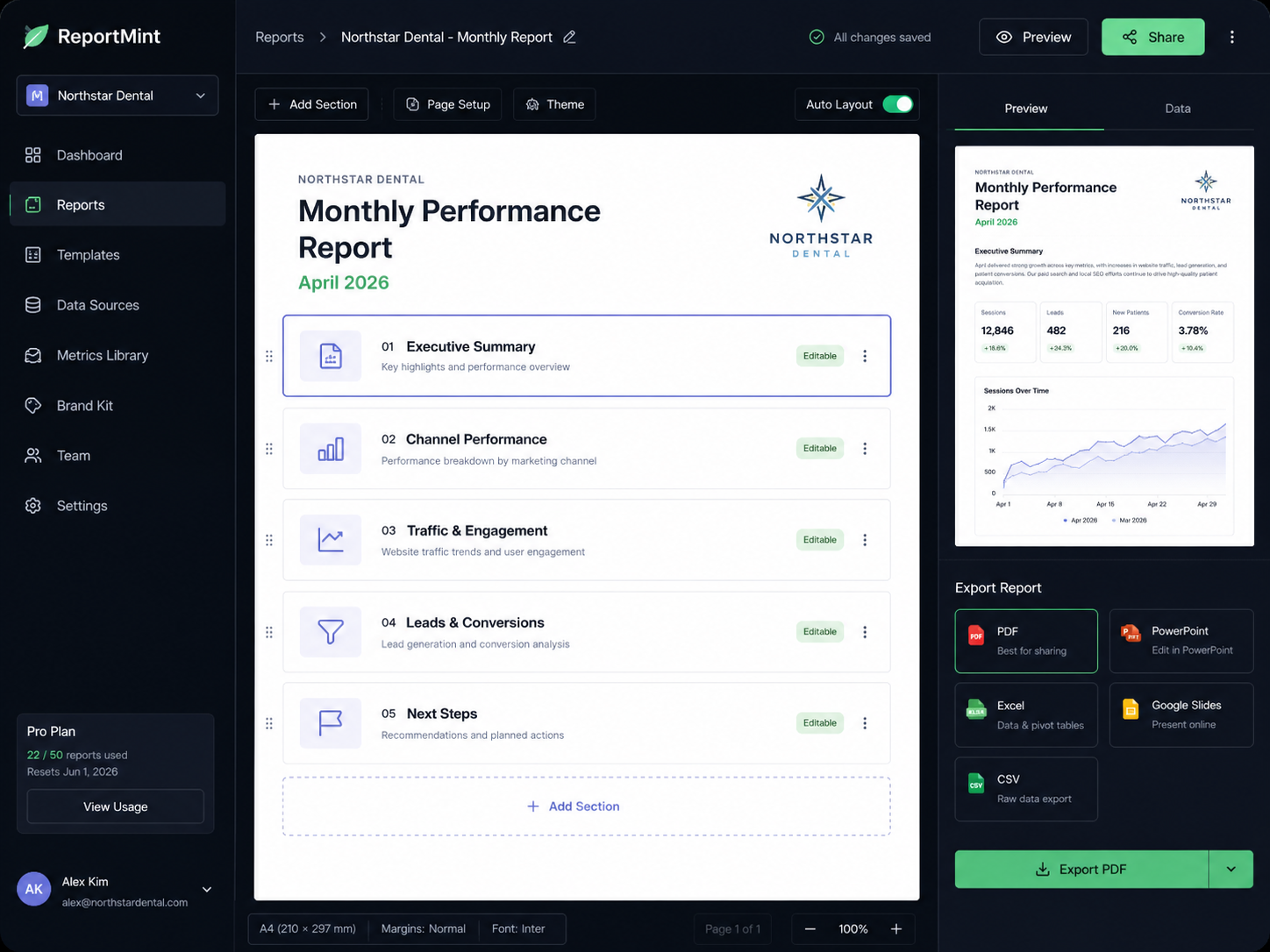
ReportMint transforms campaign numbers, notes, and performance updates into clear, client-ready reports — without staring at a blank doc or spending your Sunday translating data into “what this actually means.”
See how ReportMint helps you create client-ready reports in minutes.
4 min
average first draft
5+
report types
0
blank pages
The monthly bottleneck
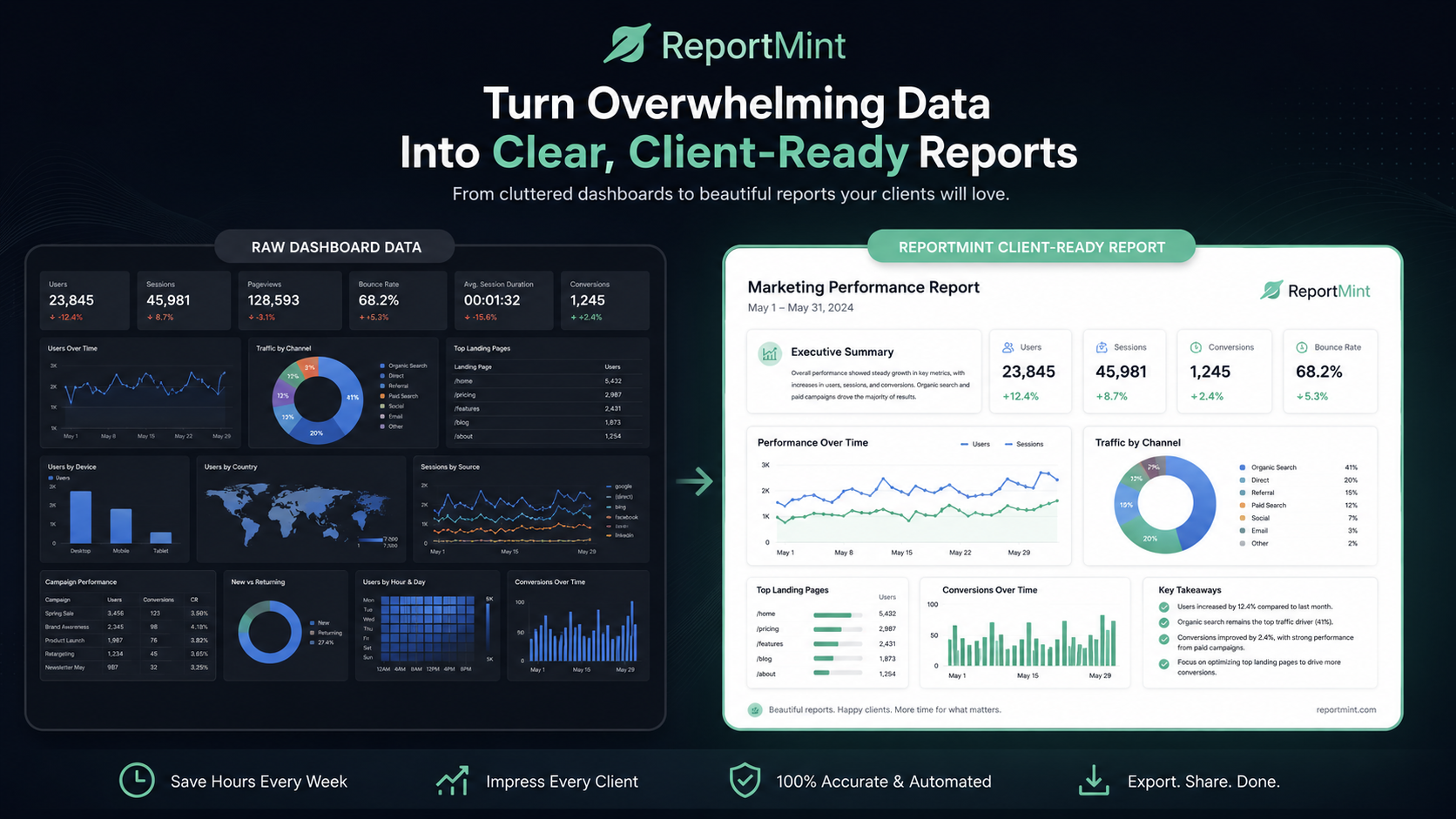
Every month, the same thing happens. You pull numbers from five different places, open last month’s report, copy the structure, rewrite the summary, and try to explain what the client should actually care about.
The data is already there. The problem is turning it into a clear story that sounds professional, confident, and useful.
The promise
ReportMint does not replace your expertise. It turns your expertise into a finished report faster.
Add your metrics, notes, campaign context, and goals. ReportMint organizes the story, writes the summary, highlights important changes, and gives you a clean report you can review, edit, and send.
How it works
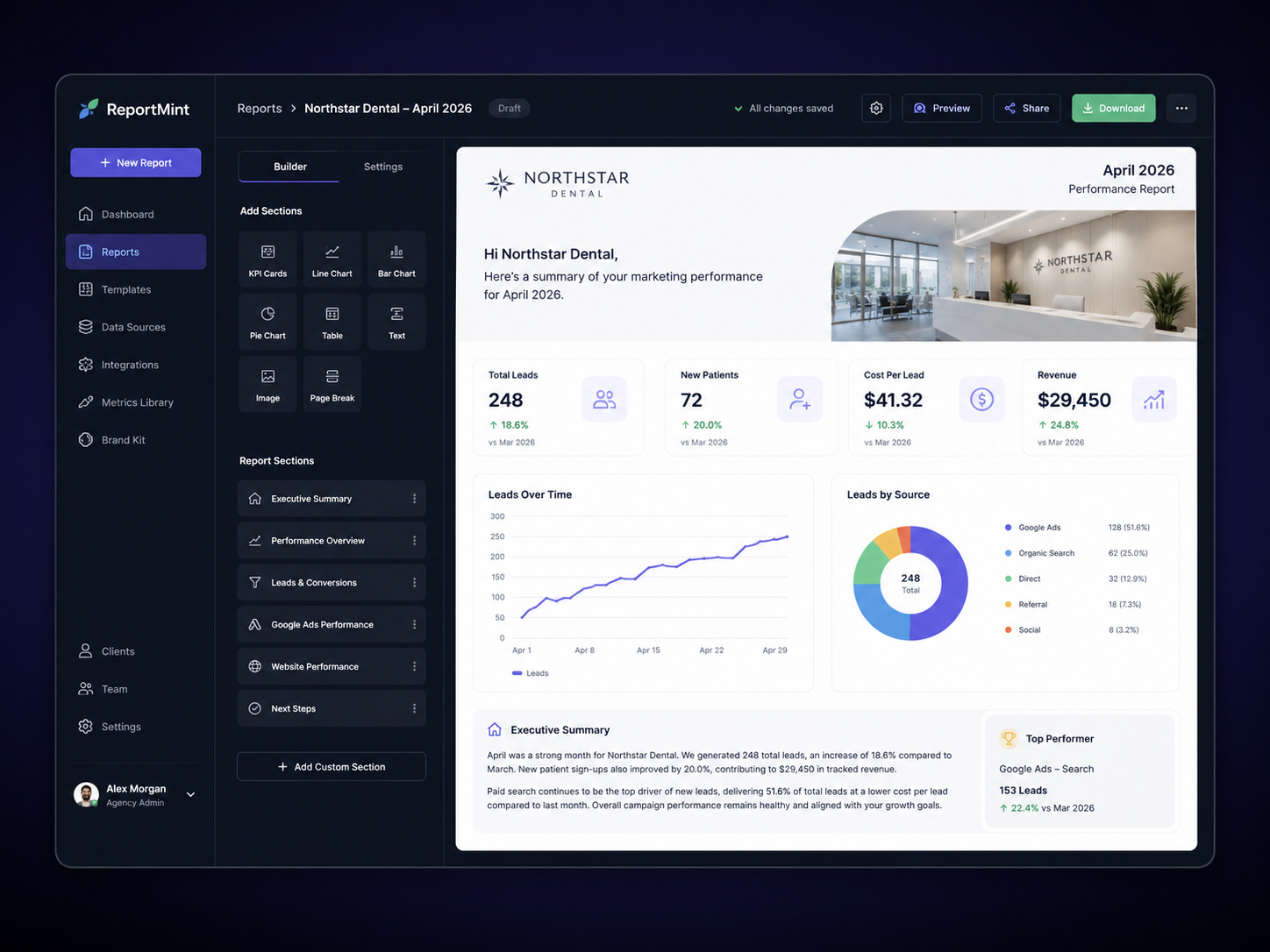
Add the numbers, layer in your notes, then generate a polished first draft you can review, edit, brand, and export.
Paste metrics manually or upload a simple CSV with spend, leads, traffic, rankings, revenue, or engagement.
Tell ReportMint what changed, what worked, what underperformed, and what you plan to do next.
Get an executive summary, key wins, concerns, performance analysis, and next steps.
Edit the copy, add your branding, and export a clean PDF or shareable report link.
Features
Turn scattered notes into a concise overview of what happened this month and what the client should pay attention to.
Explain changes in leads, spend, traffic, rankings, conversions, revenue, and engagement without sounding vague.
Show clients where progress is happening, where attention is needed, and what you are doing next.
Export polished reports with your agency name, client name, reporting period, and clean formatting.
Keep reports organized by client so each account has a clear reporting history and repeatable workflow.
Create consistent formats for paid ads, SEO, social, email, or full-service marketing updates.
Different by design
Most reporting tools show charts. ReportMint helps you explain them. It sits between your metrics and your client communication — the narrative layer your dashboard does not provide.
Use cases
Whether you run paid campaigns, SEO retainers, social updates, or full-service monthly reporting, ReportMint gives you a clean narrative structure.
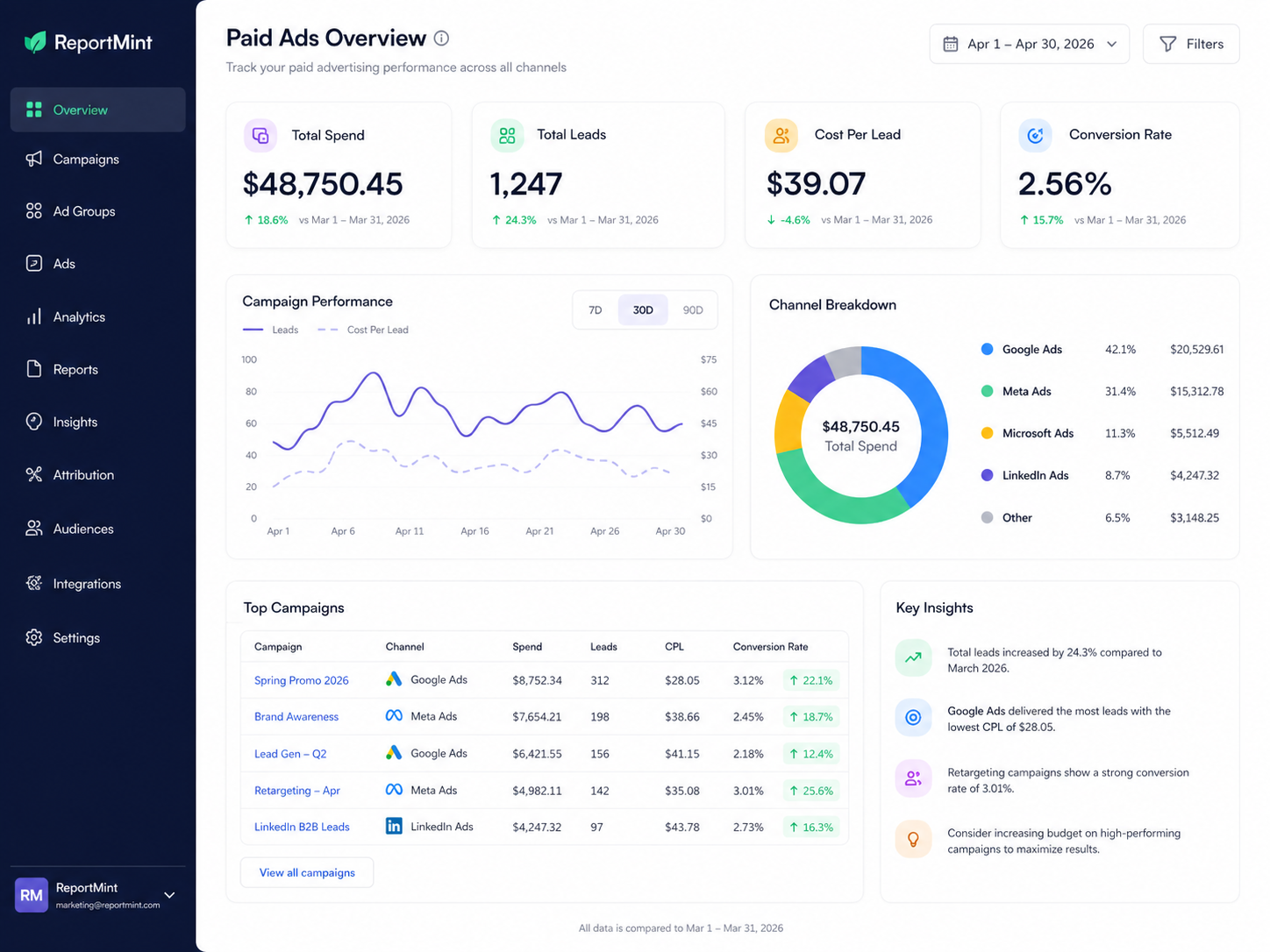
Explain spend, CPA, ROAS, conversion volume, creative tests, and campaign changes.
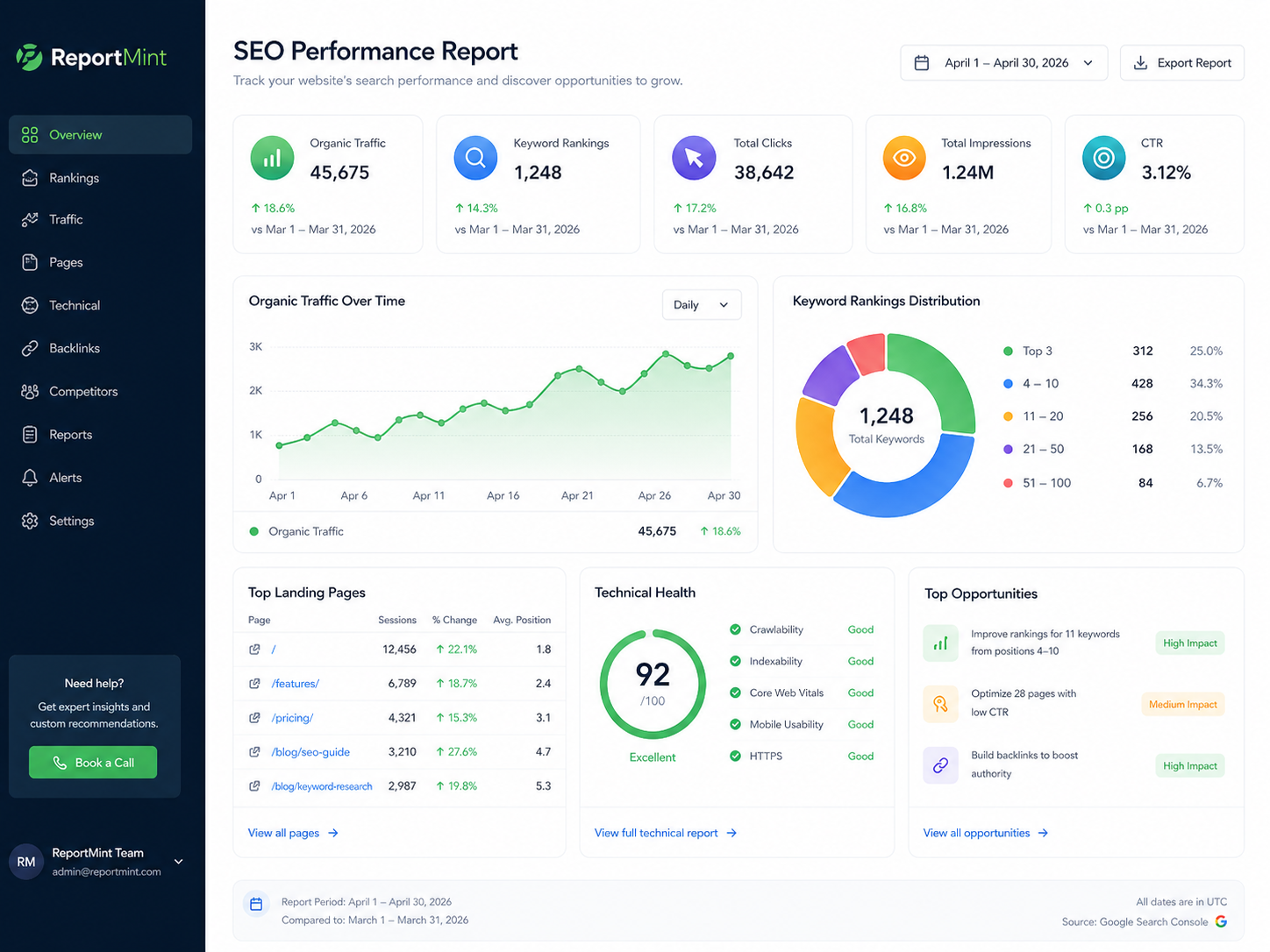
Turn traffic, rankings, content updates, technical fixes, and keyword movement into progress.
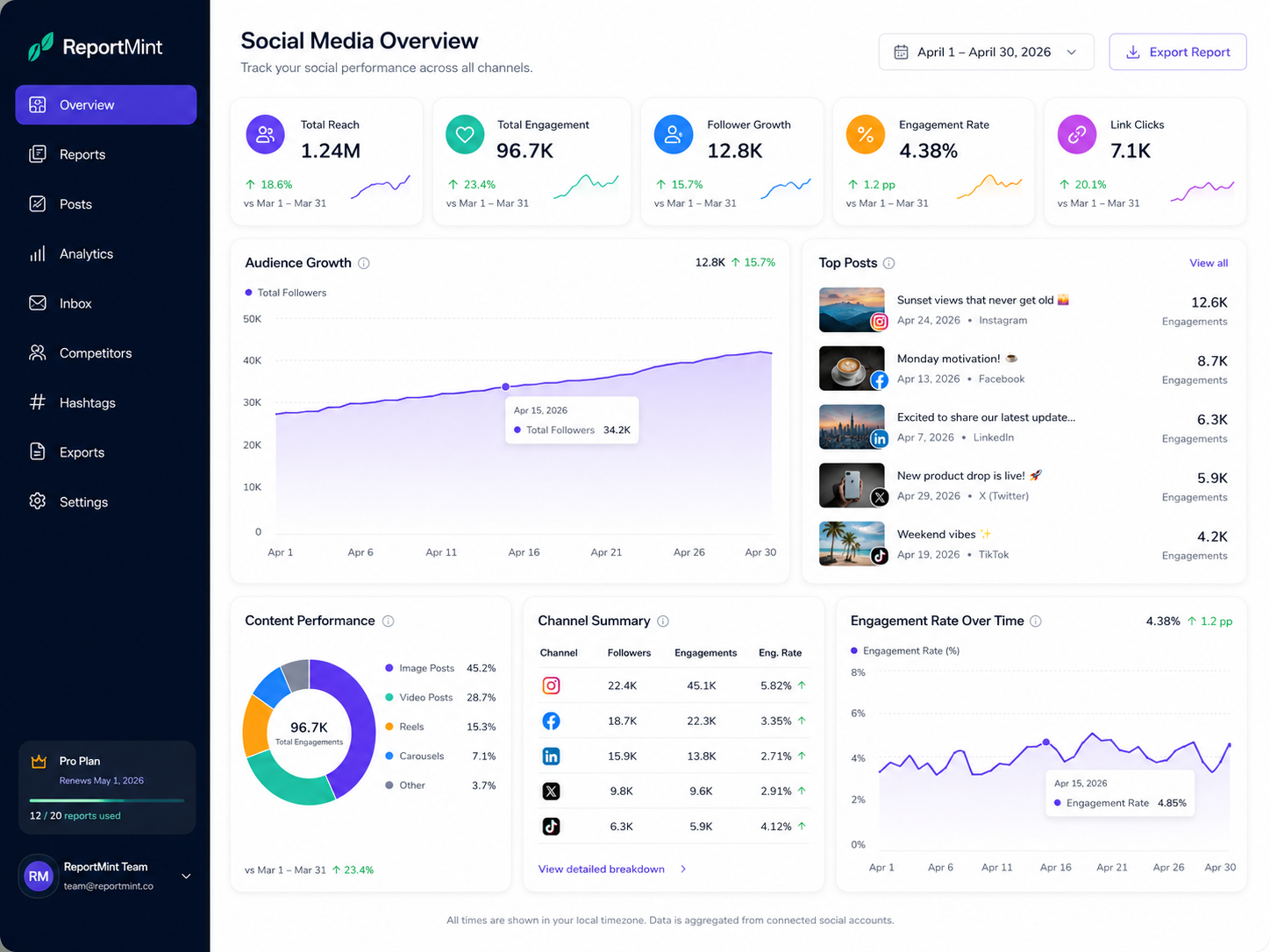
Summarize engagement, reach, follower growth, content performance, and recommendations.
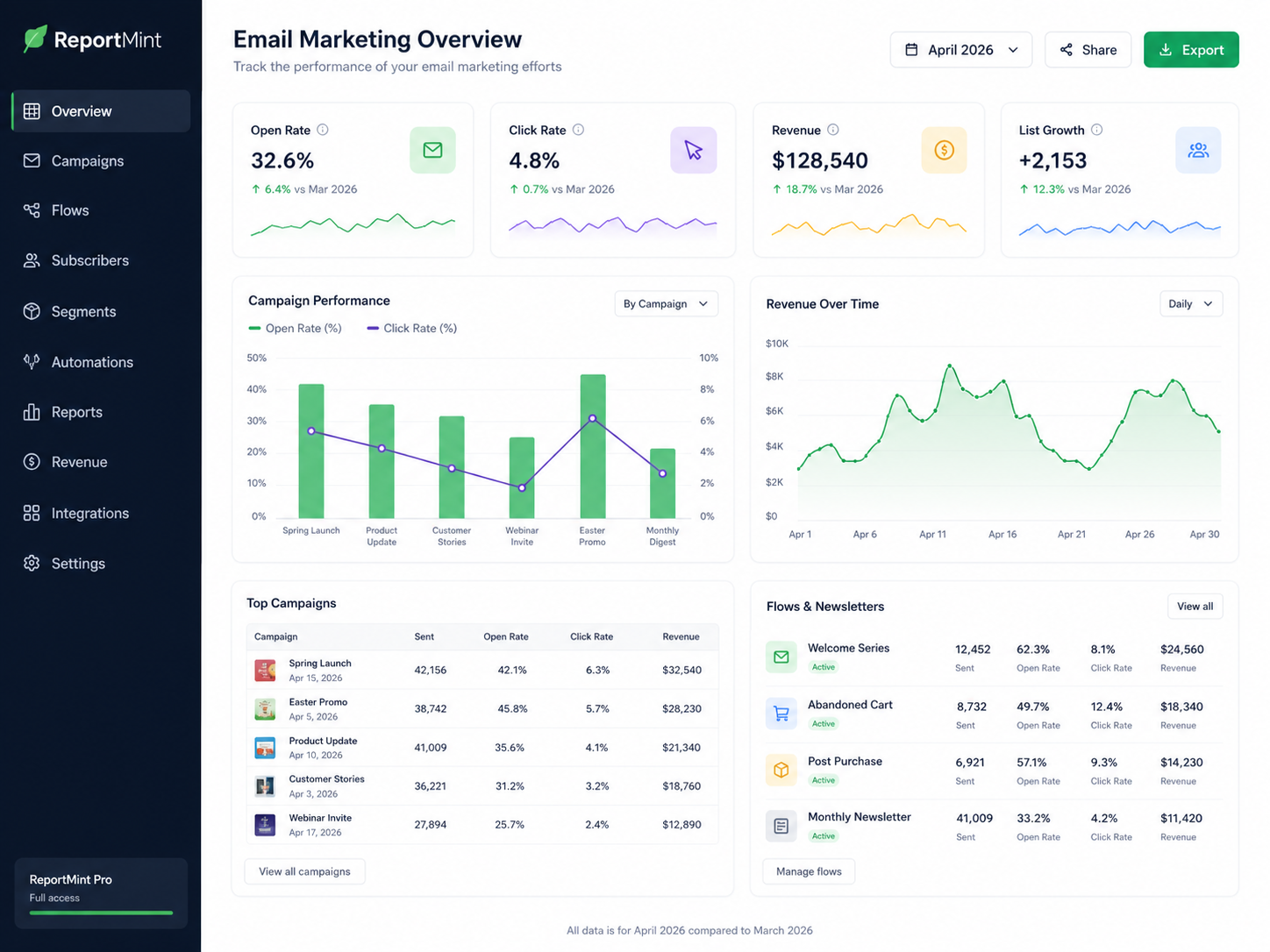
Report on opens, clicks, revenue, list growth, campaign performance, and testing insights.
Built honestly
No fake testimonials. No inflated promises. Just a focused reporting workflow built for the monthly client updates you already send.
Create repeatable reports for clients you update every month.
Translate marketing performance into plain English without dumbing it down.
Generate a strong first draft quickly, then edit with your own judgment.
Keep every client report structured, clear, and professional.
Pricing
Start small, keep reporting consistent, and upgrade when your client list grows.
For freelancers managing a small number of clients.
For consultants and small teams managing multiple accounts.
Cancel anytime. Upgrade or downgrade as your client list changes.
FAQ
No. ReportMint is built around a specific reporting workflow: metrics in, context added, client-ready narrative out. It structures reports around executive summaries, performance changes, wins, risks, and next steps.
ReportMint works best when you add real campaign notes and context. The more specific your inputs, the more specific the report. You stay in control and can edit every section before exporting.
The first version focuses on manual input and CSV upload so you can create reports quickly without complex setup. Integrations can be added later, but the core value is turning data into a clear client narrative.
Yes. ReportMint supports paid ads, SEO, social media, email marketing, and full-service monthly updates.
No. Keep using your analytics tools. ReportMint helps you turn the information from those tools into a professional client report.
Add the numbers. Add your notes. Generate a clear first draft. Edit, export, and send.